
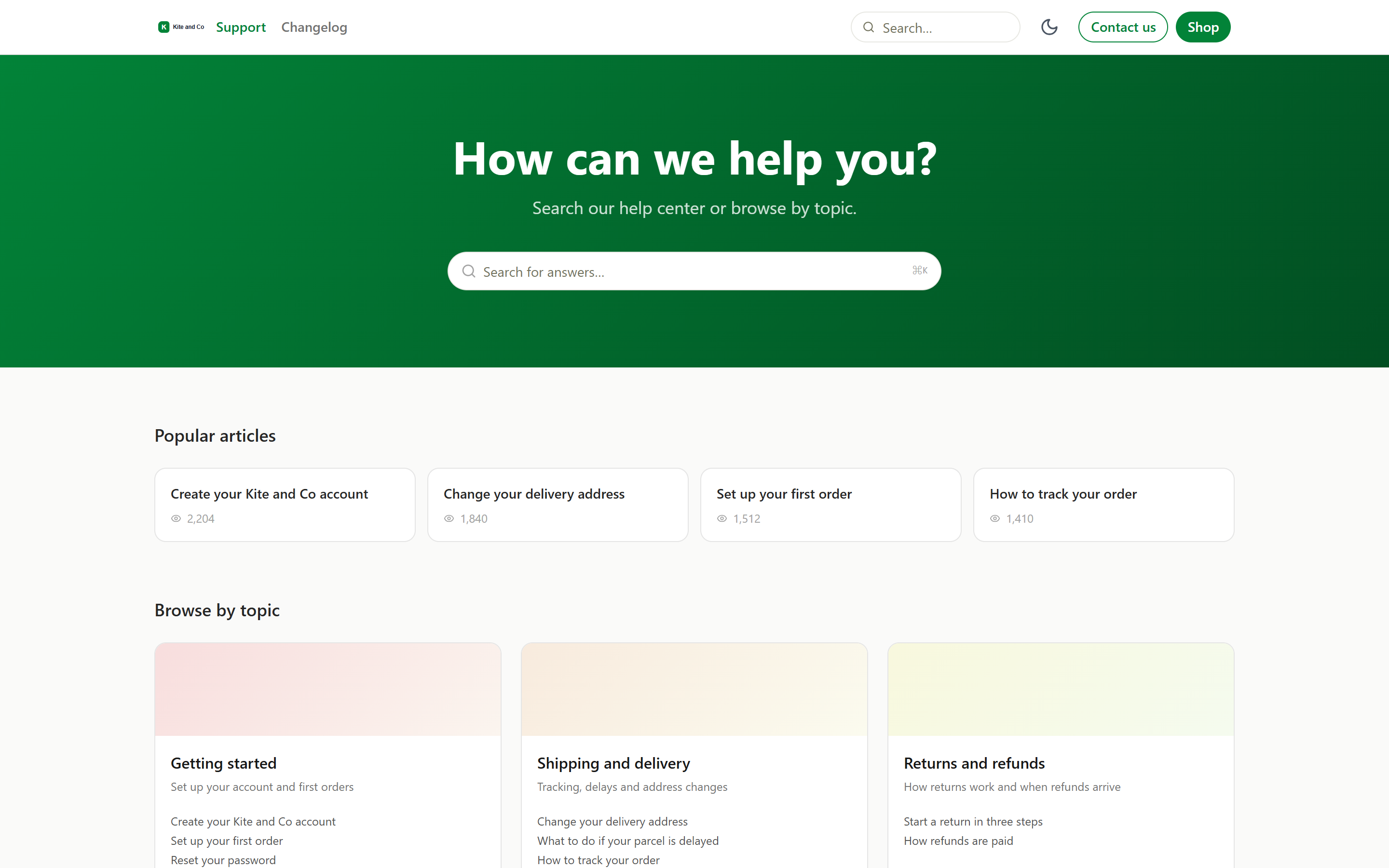
Answer it once. Let customers find it forever.
A help center that looks like your brand, with an editor your whole team can use.
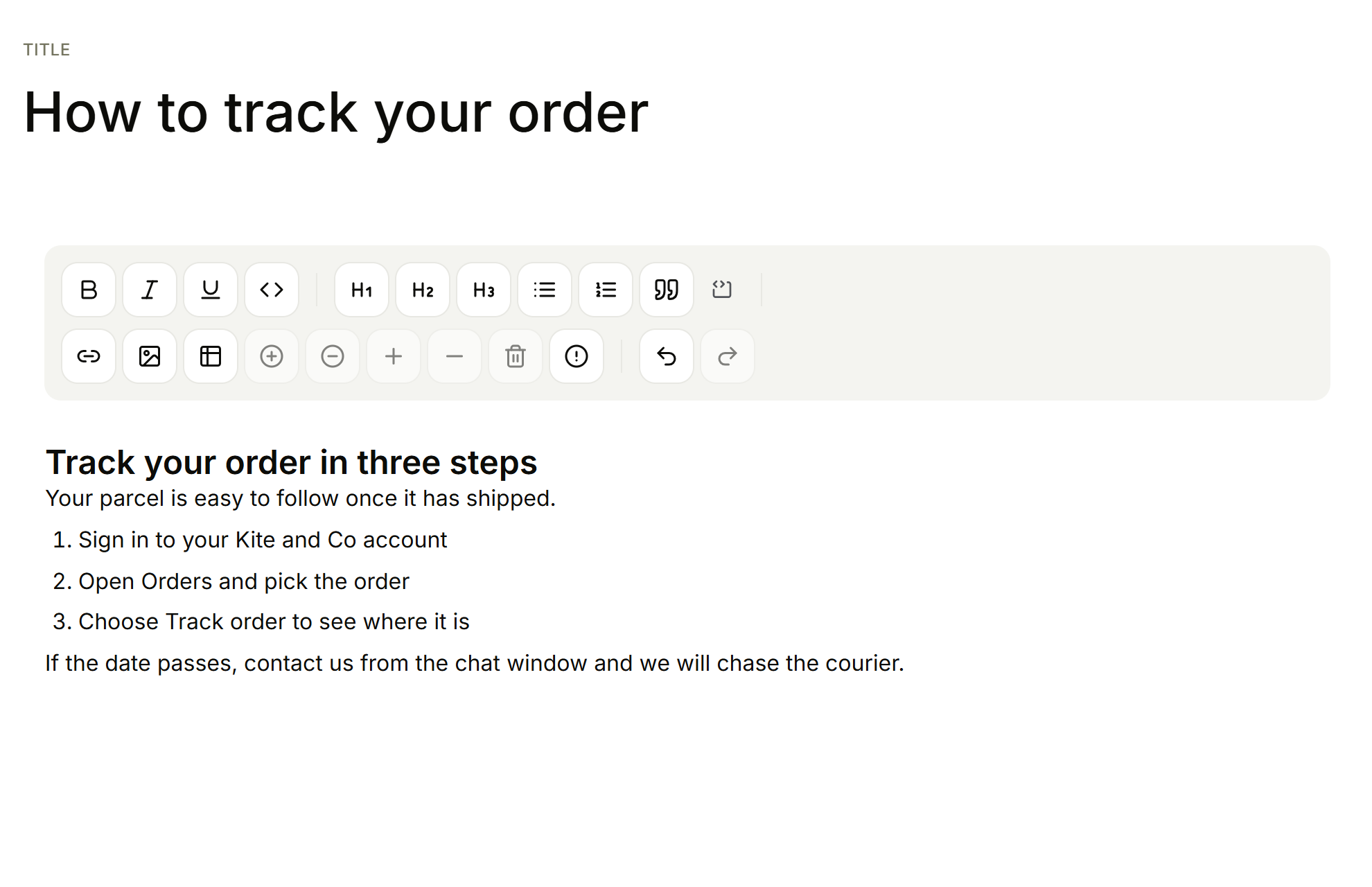
- Headings and steps
- Tables, images and code
Write in an editor that stays out of the way.
Headings, steps, tables, images and code in one place. Save a draft, publish when ready.
Folders you can reorder in a drag.
Publish a folder when it is ready. Import what you already have from Markdown.
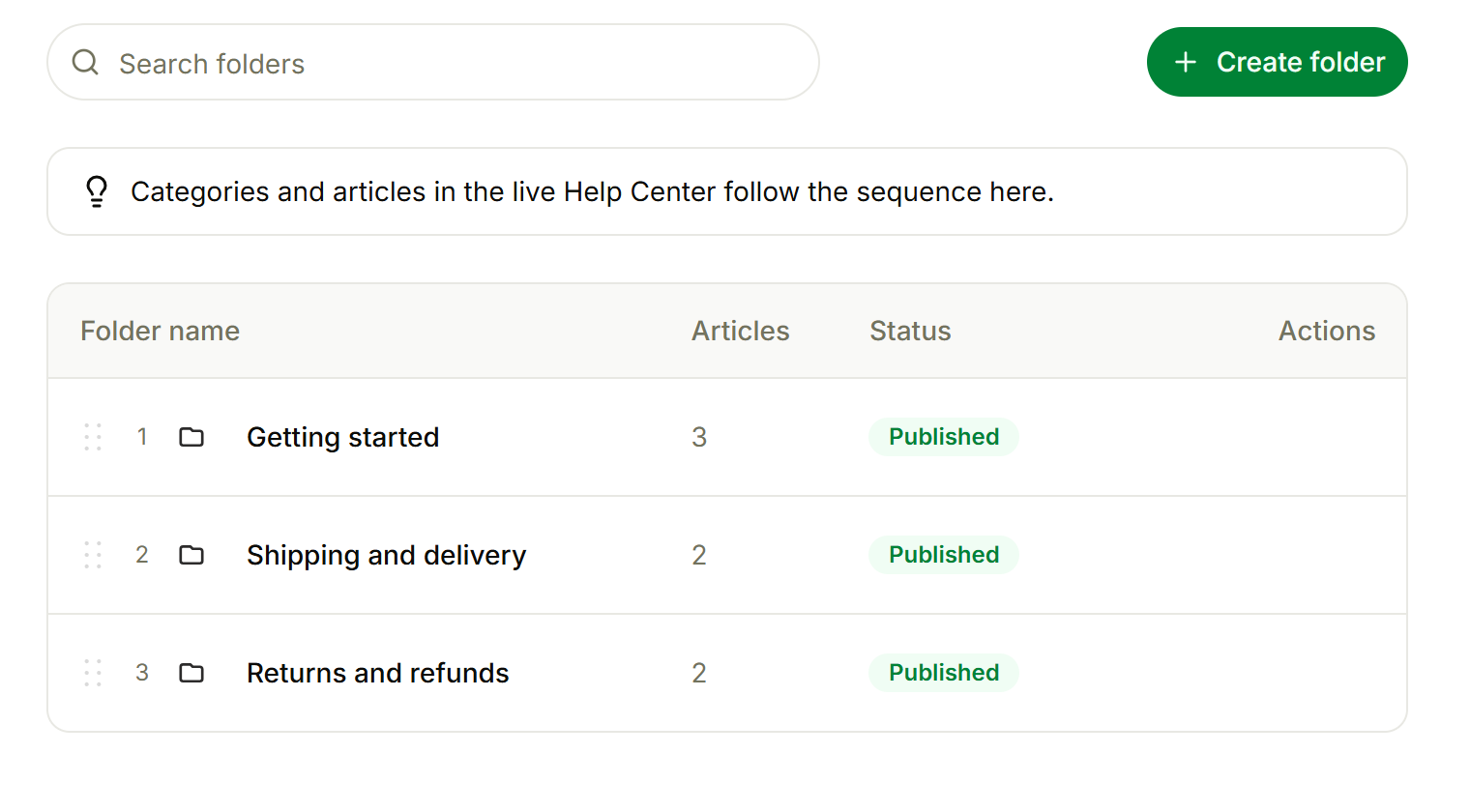
- Drag to reorder
Your colours, your fonts, your domain.
Pick a theme, add your logo and colour, and use a subdomain or your own domain.
Classic
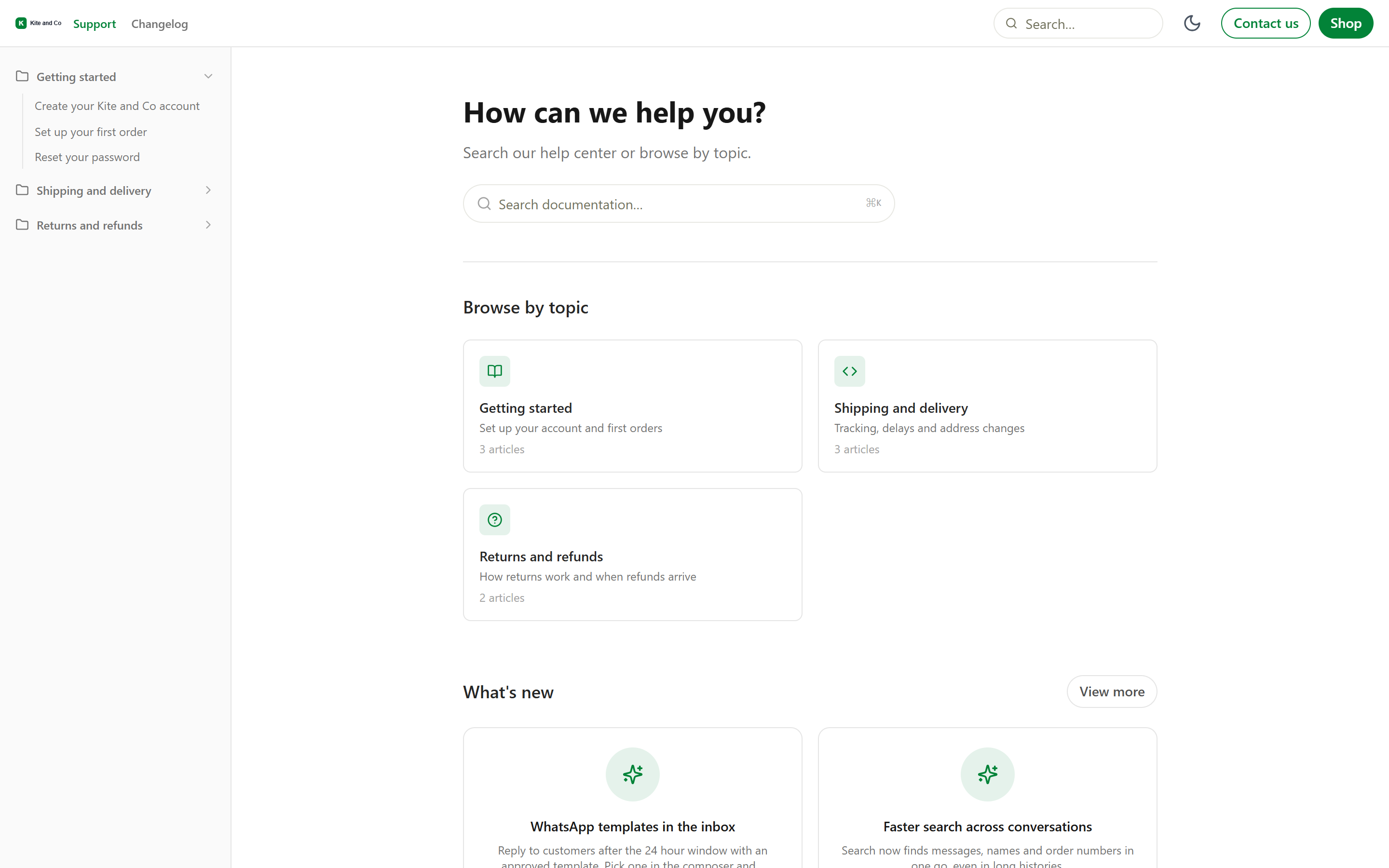
Docs style
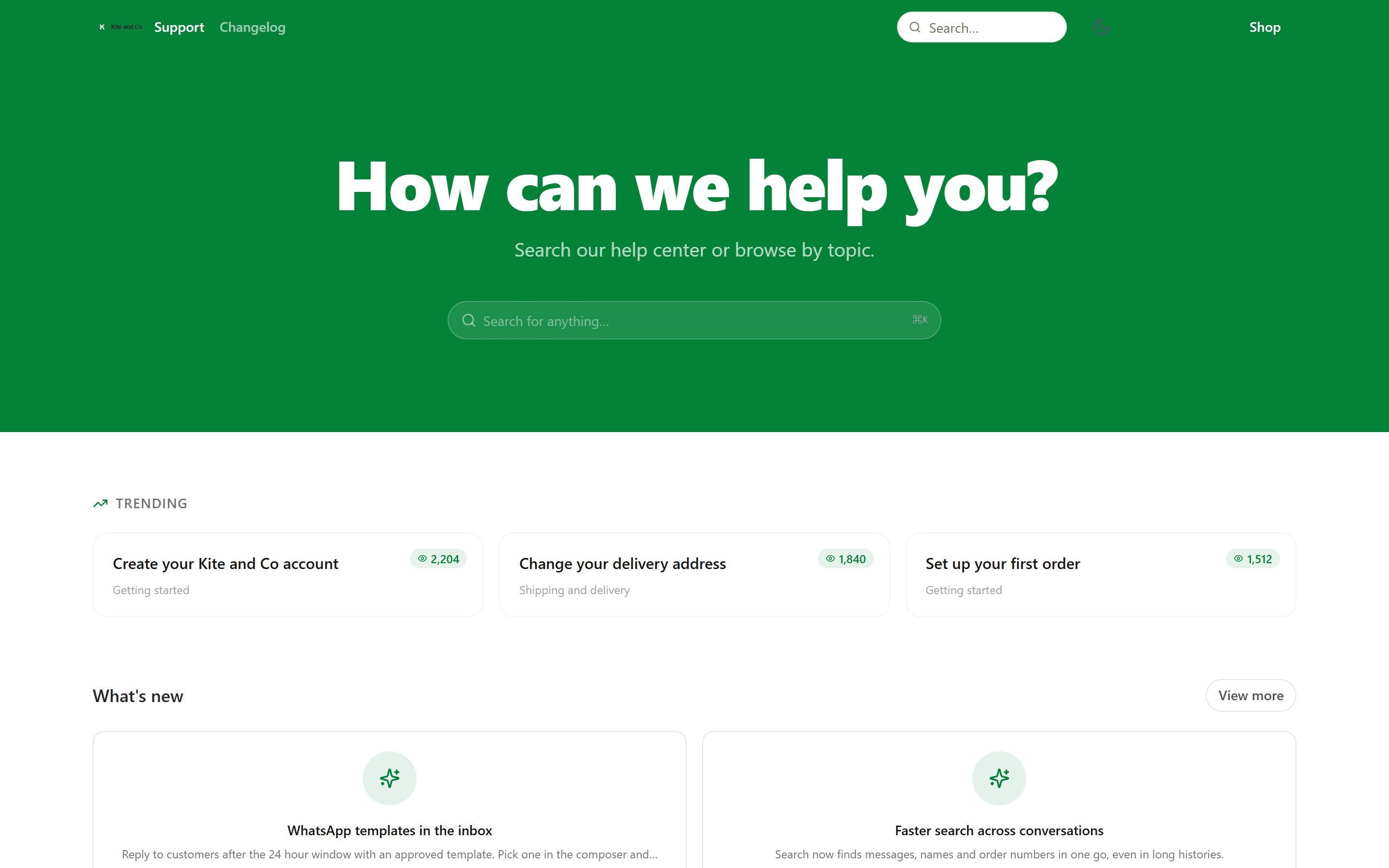
Bold
Customers find the answer, then tell you if it helped.
Search from anywhere with a shortcut. Every article ends with a helpful vote.
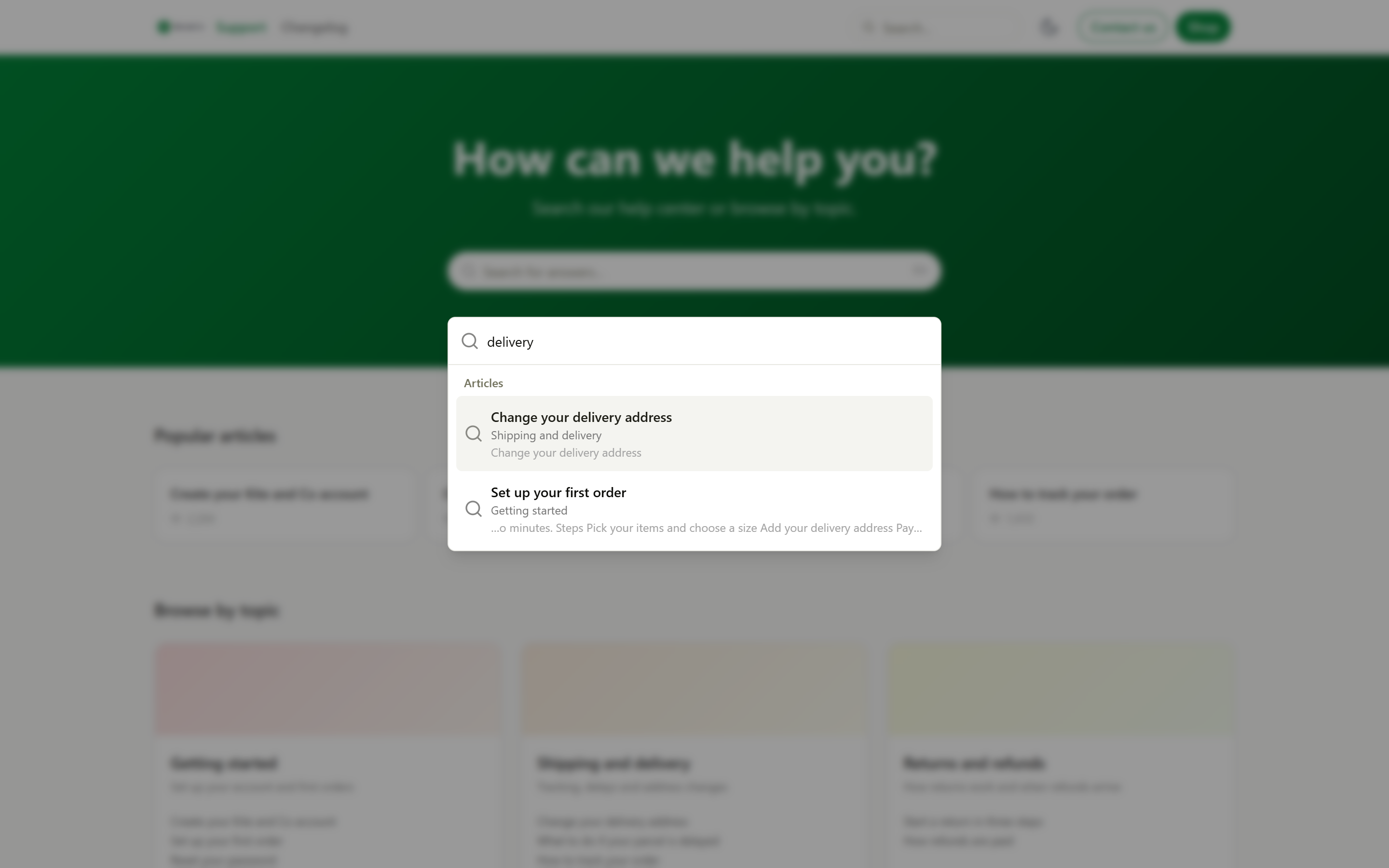
- Search from anywhere
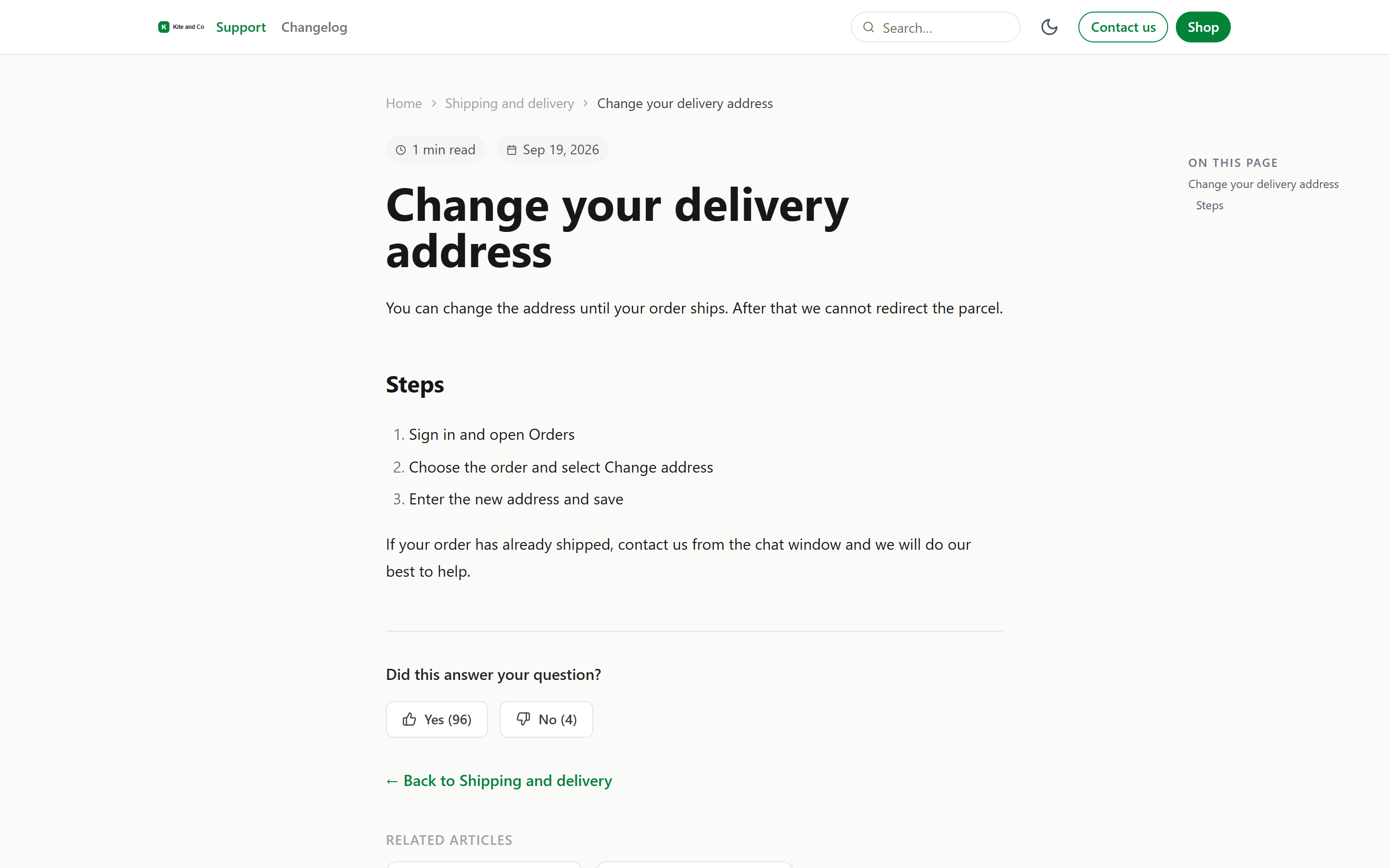
- Helpful vote on every article
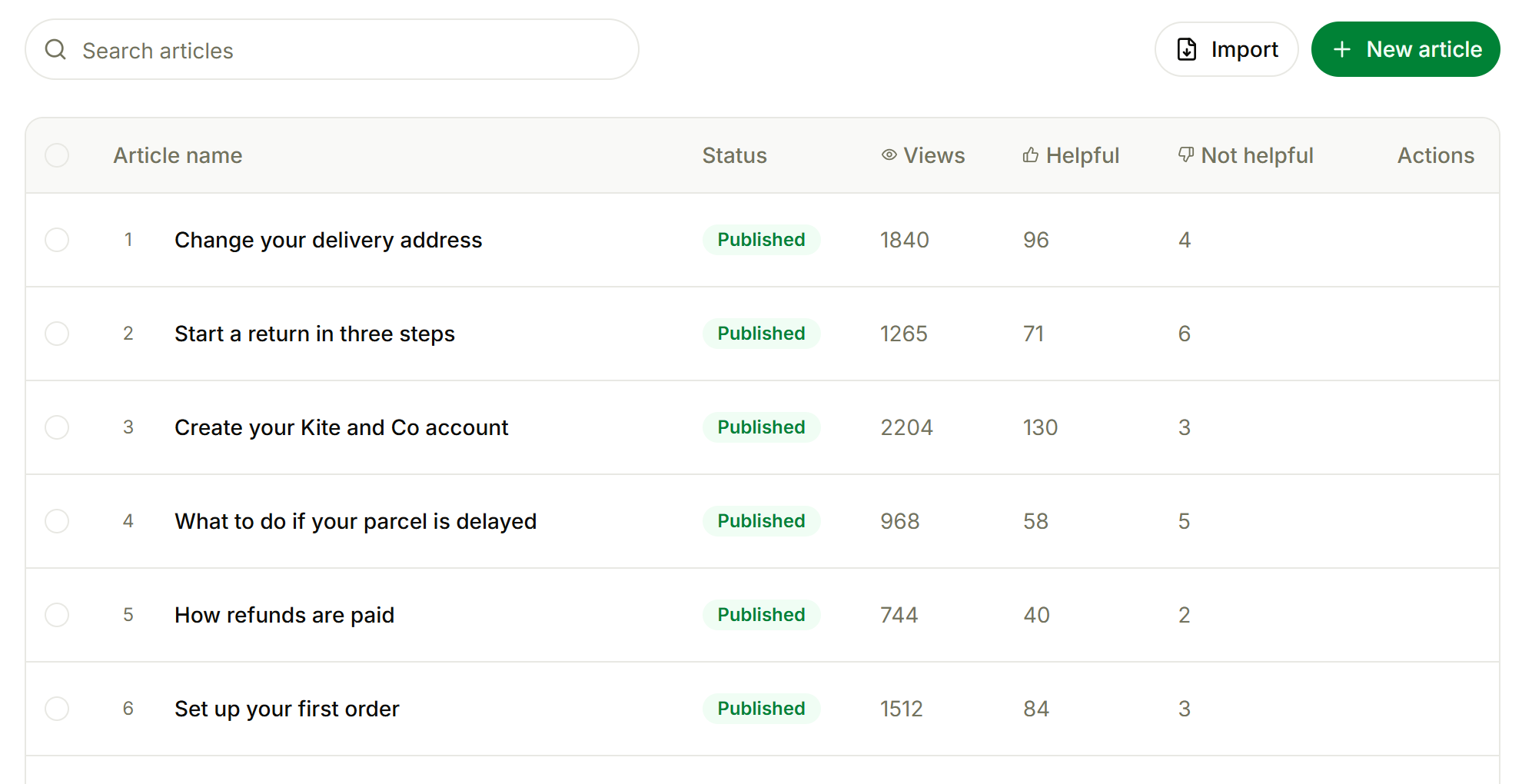
- Views, Helpful and Not helpful
See what works and what is missing.
Views and votes per article, and reports show the searches that found nothing.
Send the right article without leaving the conversation.
Agents can search the knowledge base from the inbox and send an article into a conversation.